
We're thrilled to announce the release of Wallpaper Studio, a brand-new app for everyone who's tired of stock wallpapers and wants to design their own, bring them to life, and share them with a community of fellow creators.
Wallpaper Studio isn't just another gallery of images to download. It's a full design studio that lives on your phone: start with an idea, shape it with a few taps, and turn it into a wallpaper that's unmistakably yours.
Generative Designs, Endless Variations
At the heart of Wallpaper Studio is a library of generative designs. Every design is parametric. Tweak the level of detail, the number of iterations, the color distribution, and a host of other settings to spin up virtually limitless variations. Don't love a composition? One tap generates a fresh one. Lock the palette you love while you reshape the structure, or do the exact opposite.
From Automatic to Hands-On
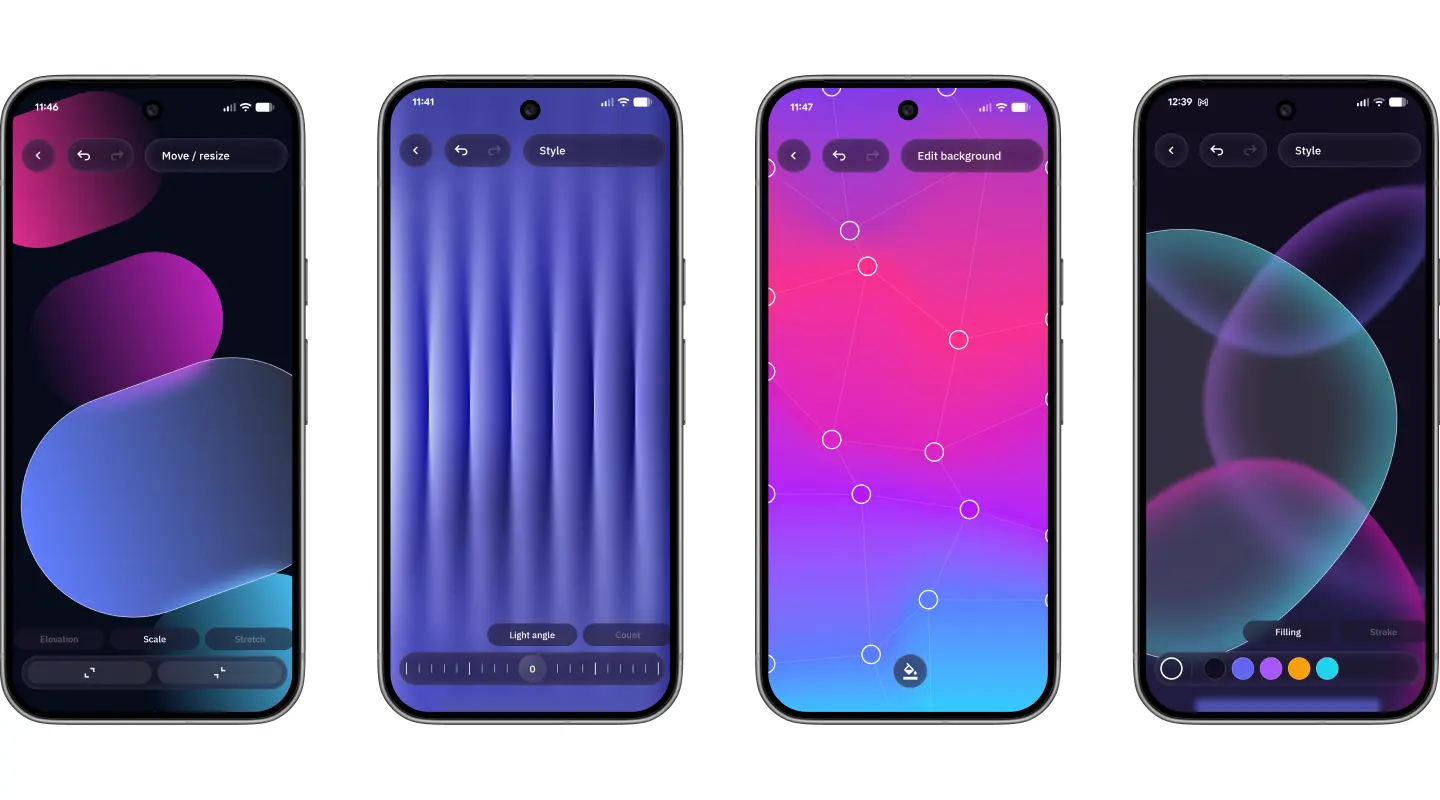
Want to go further? Manual editing mode puts the tools of a real vector editor in your hands.
Want more control? Switch to manual editing mode and use the tools of a real vector editor. Adjust position, size, rotation, fills, and strokes with precision. Work directly on the canvas with mesh gradients by dragging their control points exactly where you want them.
Each element can have its own effects too. You can add blur, shadows, grain, or even a Liquid Glass effect with chromatic aberration and refraction.
When your artwork is almost ready, render filters help you add the final touch. Use noise, vignette, or progressive blur to guide attention exactly where you want it.
Animated Wallpapers That Come Alive
Animated wallpapers are one of the most powerful features of Wallpaper Studio.
Once you create multiple wallpapers you can use them as frames to build a live wallpaper. Wallpaper Studio will animate between them, creating smooth transitions from one design to the next.
You can control how the animation behaves. Adjust the interpolation to change how frames blend together. Change the speed to make the wallpaper feel slow and calm or fast and dynamic.
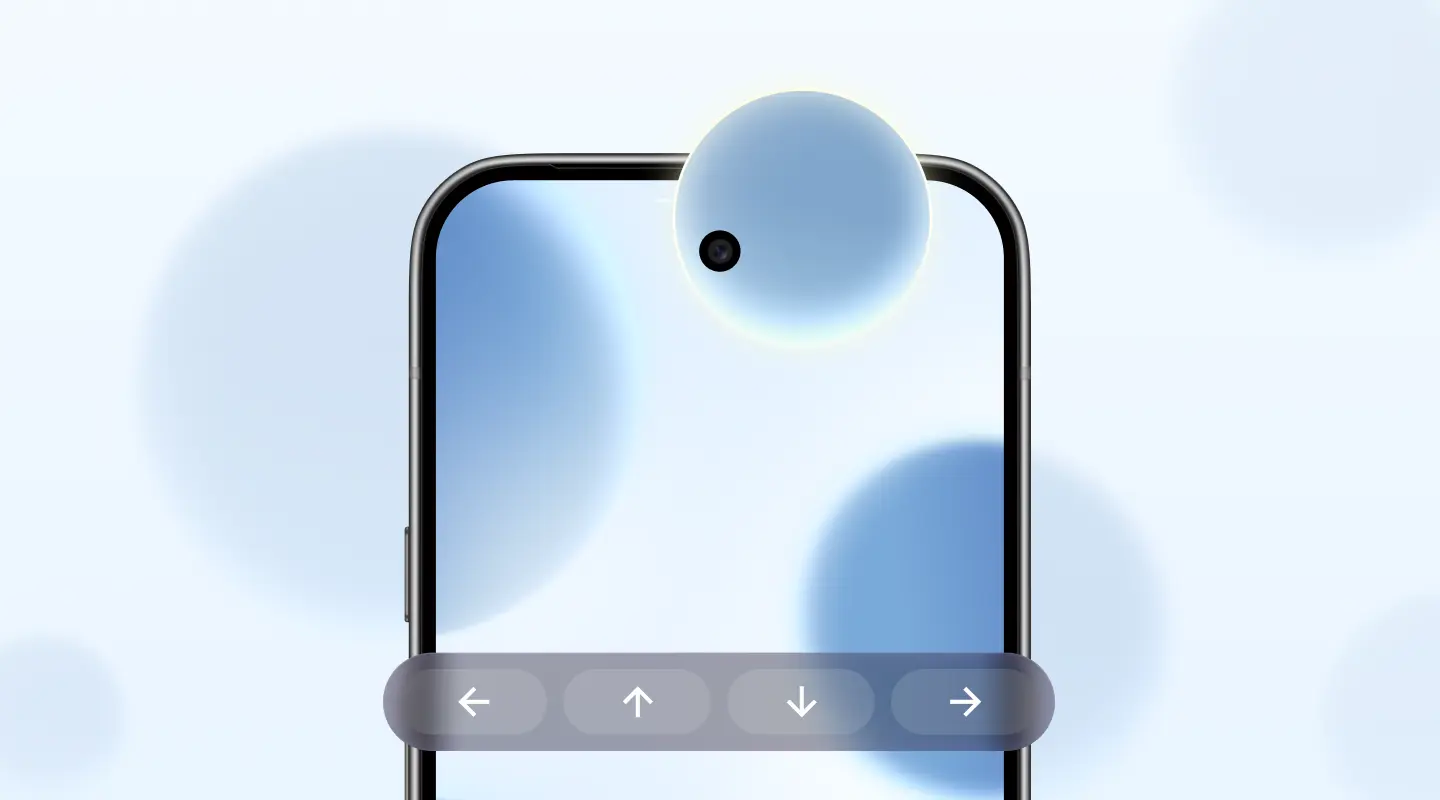
Live wallpapers can also react to your home screen. In page-driven mode, the animation follows your swipe as you move across your launcher pages.
When you want to share your work outside the app, you can export it as an MP4 video at high resolution and up to 120 fps.
A Community of Creators
Creativity is better shared. With the community feed, you can discover what other users are making, like the ones you love, download them straight into your library, and publish your own. Every creator gets a profile with their own stats, so you can see how much love your work is getting.
.webp)
Available Today in Open Beta
Wallpaper Studio is available today in open beta. We're shaping it together with the people who use it, so jump in early, start creating, and tell us what you'd love to see next.
To celebrate the launch, Wallpaper Studio Pro — which unlocks every premium feature, from animated live wallpapers and Pro shapes to advanced filters and 4K exports — is available at a special launch price. It's the best moment to go all in.
Get Started Today
Wallpaper Studio is the simplest, most powerful way to give your phone a look that's entirely your own. Whether you want to generate the perfect wallpaper in three taps or build one shape by shape, the studio is open.
Download Wallpaper Studio and give your screen a whole new face.
CLICK HERE TO DOWNLOAD WALLPAPER STUDIO BETA
.webp)
Q&A
Q: It's in open beta, is it ready to use?
A: Yes, but it's not perfect. We are still fine tuning stuff, the localization is far for complete, you will find surely some bugs and we cannot exclude to strongly. The goal of the open beta is to collect user feedback and use them to drive improvements.
Q: Is it free?
A: Yes, you can download Wallpaper Studio and start creating for free! An optional Pro upgrade unlocks the premium features, like live wallpapers, high quality exports, unlimited downloads and more.
Q: Do I need any design skills?
No, that's the all point. You can generate a great-looking wallpaper in just a few taps and let the curated palettes do the heavy lifting. If you want more control, manual editing mode is there whenever you're ready.
Q: Can I share my wallpapers, and use ones made by others?
Absolutely. Publish your creations to the community feed, discover what other people are making, like your favorites, and download them straight into your library.
Q: How do I send feedback or report a problem?
We created a Telegram group for Wallpaper Studio beta testers:
CLICK HERE TO JOIN THE TELEGRAM CHANNEL
We will use it to share APK updates, collect feedback, and talk directly with the community. It is the best place to report bugs, suggest improvements, and get fast interaction with the dev team.
For assistance with purchases or account-related issues, please use the official support channel listed on the Play Store.
Q: Do I need Smart Launcher to use Wallpaper Studio?
A: No. Wallpaper Studio is a standalone app. It works great whatever launcher or home screen you use, the wallpapers you create can be applied to any device.
Q: Is it optimized for foldables and tablets?
A. While Wallpaper Studio works with almost any android device, the UX is currently not optimized for larger screen.
Q: I have more questions for the team
A. We created a post on Reddit to discuss the release and talk with our community. Any question is welcome there!
CLICK HERE TO READ THE THREAD


